
Your chat fights with you
You play, your viewers step in. Every gift triggers something in the match, from a small heal to titan mode. Likes charge your ult. And at the end of every round your top gifter gets a shout-out.
This is what your LIVE looks like
You play, your face is in the corner, the chat keeps rolling. When someone sends a Rose, it flies across the screen, Delulu gets 15 HP and everyone reads who sent it.
On a normal LIVE a gift is gone after a second. Here it just saved you from a knockout. The rest of the chat notices and joins in.
People watching want to step in. With a rocket or a fan storm the chat helps decide the match instead of just commenting.
Every gift goes to you as the creator, same as always. The difference is that for the fan it now feels like it actually counts.
What every gift does
These eight gifts sit at the edge of the screen during the match, so your viewers see right away what they trigger. Any other gift counts by its price and does what a gift in the same price range does. No gift is wasted.


Heals the streamer instantly.


A rocket flies at the rival.


Nothing gets through for two seconds. Several doughnuts stack up to six seconds.


Three bolts strike the rival one after another.


Fans storm the court and join the fight.


A whole swarm of rockets.


The ult is full instantly, plus seven seconds of hype.


Giant for 15 seconds: double damage dealt, half damage taken, plus a quarter of HP back.
Every like charges a bit of your ult. When your chat taps like crazy, you fire it more often.
New followers and shared LIVEs give you a short boost in the match.
At the end of every round the game shows who gave the most. Whoever sends a fan storm even charges onto the court under their own name.
Connected in three steps
- Go LIVEOn your phone, start your LIVE in TikTok, choose “Mobile Gaming” and share your screen. On a PC, use TikTok LIVE Studio and add the browser window with the game as a source.
- Enter your nameOpen Superkrass and tap the LIVE bar in the lobby. Enter your TikTok name without the @ and tap Connect. The game looks for your LIVE. If you're not live yet, it checks again every 30 seconds.
- Post the code in your chatThe game shows you a code like SK4821. Post it as the host in your own LIVE chat. That's how the game knows the LIVE is yours. Gifts only work after that.
When you share your phone screen, TikTok doesn't show your camera. That's what the in-game facecam is for: it puts you right into the game so your chat still sees you.
Make your LIVE hit
Explain the gifts out loud once
Let them play against you
Make overtime an event
Name your top gifter
Something stuck? Here's the full guide with fixes.
Want to be your own boss?
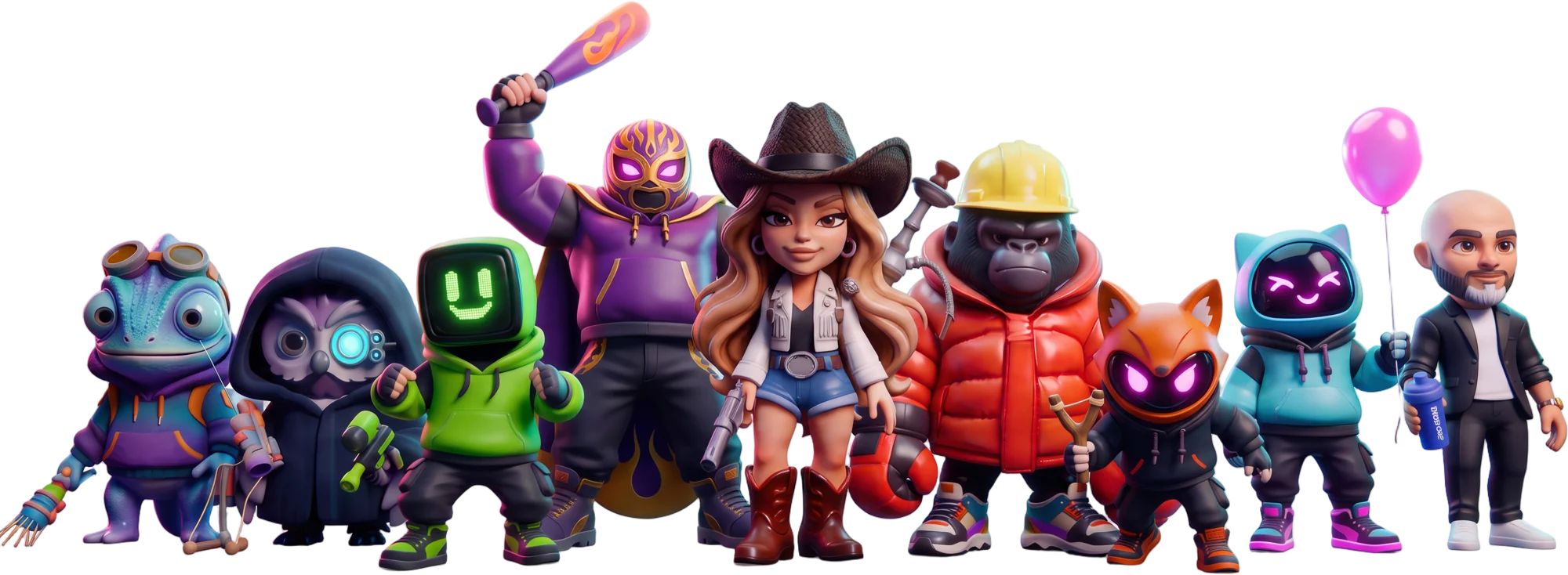
On Superkrass, creators get their own character that looks like them and fights like them. When your community plays as you, you earn.